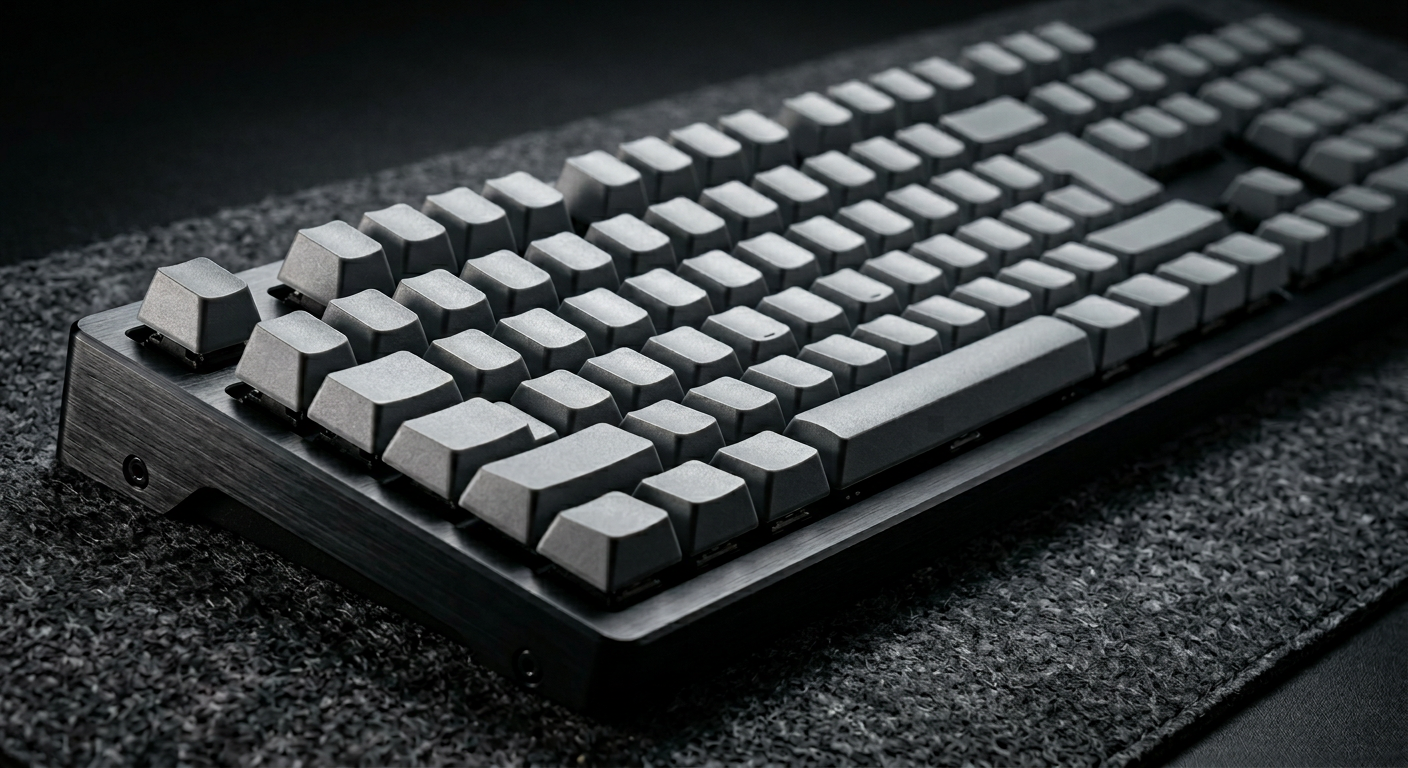
A keyboard is not just an input device. It is the primary physical interface between your thoughts and the screen.
Most people use whatever came in the box. That is fine, until you spend six hours a day typing and realize that the tool under your fingers is either helping you think or quietly working against you.
The right mechanical keyboard changes the texture of work. The wrong one makes everything feel like friction.
Why mechanical keyboards improve focus
The argument for mechanical keyboards is not about aesthetics or nostalgia. It is about feedback.
Membrane keyboards, the flat, mushy kind that ships with most computers, offer almost no tactile response. You press a key, something happens, and your fingers learn nothing. Mechanical switches, by contrast, give your hands precise feedback: a distinct actuation point, a consistent resistance, and in some cases, an audible click that confirms the keystroke was registered.
That feedback loop reduces typing errors, which means fewer corrections, which means less interrupted thought. For writers, coders, and anyone who works primarily with text, this translates directly into smoother, more sustained focus sessions.
What to look for before you buy
Before choosing a keyboard, three variables define almost everything else:
Switch type determines how the keyboard feels and sounds.
- Tactile switches (Cherry MX Brown, Gateron Brown) give a bump without a click. Good for offices and quiet environments.
- Clicky switches (Cherry MX Blue, Gateron Blue) are loud and satisfying. Good for home offices where sound is not an issue.
- Linear switches (Cherry MX Red, Gateron Yellow) are smooth and silent. Good for fast typists and gaming crossover users.
Form factor determines how much desk space it consumes.
- Full-size (100%) includes a numpad. Useful for accountants and data-heavy work.
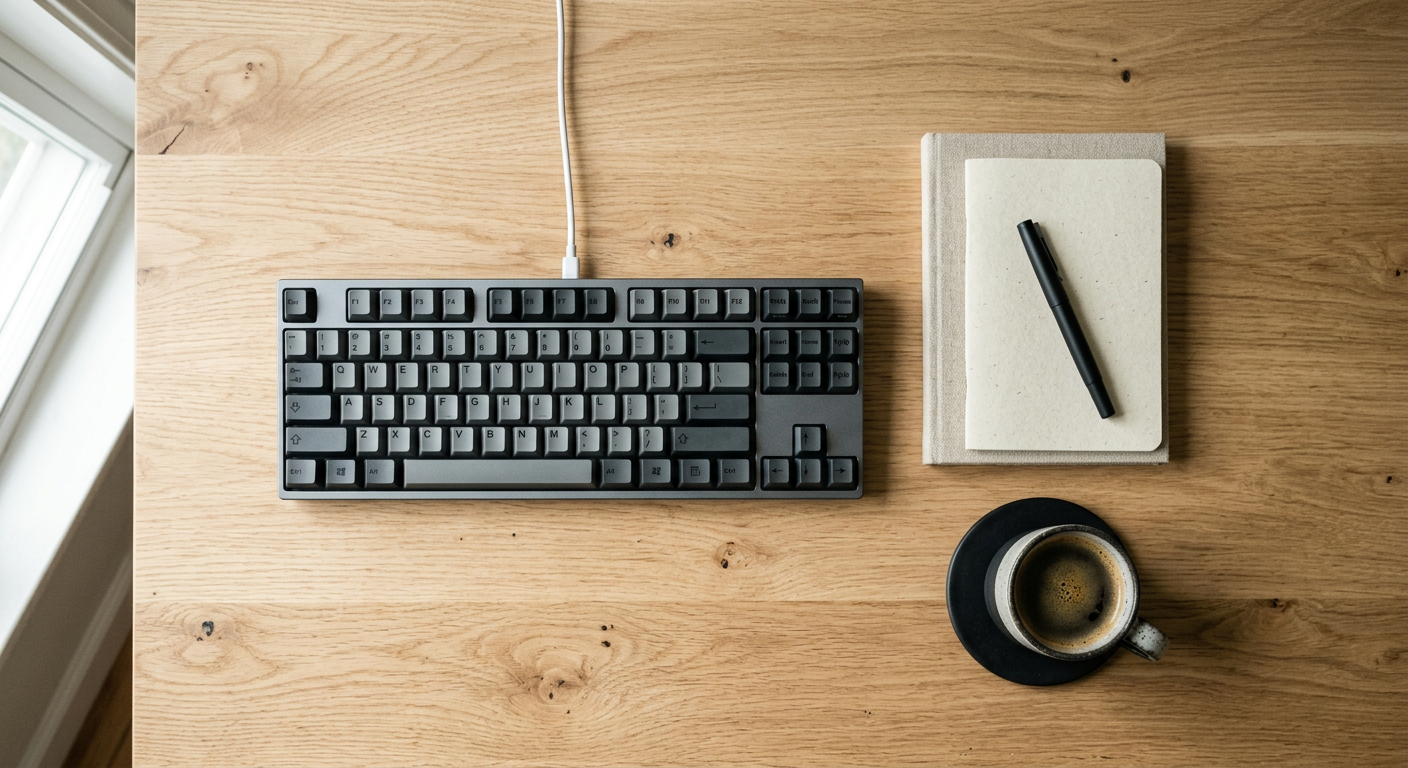
- Tenkeyless (TKL) removes the numpad and brings the mouse closer, reducing shoulder strain.
- 75% and 65% compress the layout further, keeping arrow keys but removing more.
Connectivity matters for clean desks.
- Wireless Bluetooth reduces cable clutter.
- USB-C wired connections reduce latency.
- The best keyboards in 2026 offer both.
The keyboards worth buying
Keychron Q5 Max
The Keychron Q5 Max is the benchmark for serious professionals in 2026. It is a full aluminum chassis with wireless connectivity, hot-swappable switches, and a gasket-mounted typing feel that makes long sessions noticeably more comfortable.
It is not cheap. But it is the kind of keyboard you buy once and stop thinking about, which for productivity tools is the highest possible compliment.
Best for: professionals who want a premium daily driver with no compromises.
Keychron K8 Pro
The K8 Pro is the tenkeyless option for people who want Keychron quality without the full-size footprint. It supports both Mac and Windows layouts, connects via Bluetooth or USB-C, and uses the same hot-swap system as the higher-end models.
For anyone working across multiple devices, a laptop and a desktop, or a personal and work machine, the wireless flexibility makes this one of the most practical choices available.
Best for: remote workers, multi-device setups, and people who want clean desks.
Leopold FC750R PD
The Leopold FC750R is what you buy when you want a keyboard that disappears. No RGB lighting, no software, no app required. Just an excellent typing experience with double-shot PBT keycaps that resist shine and a build quality that outlasts most of the competition.
In a market full of keyboards trying to be noticed, the Leopold succeeds by doing almost nothing flashy. That restraint is precisely the point.
Best for: writers, minimalists, and people who find RGB lighting distracting.
Nuphy Air75 V2
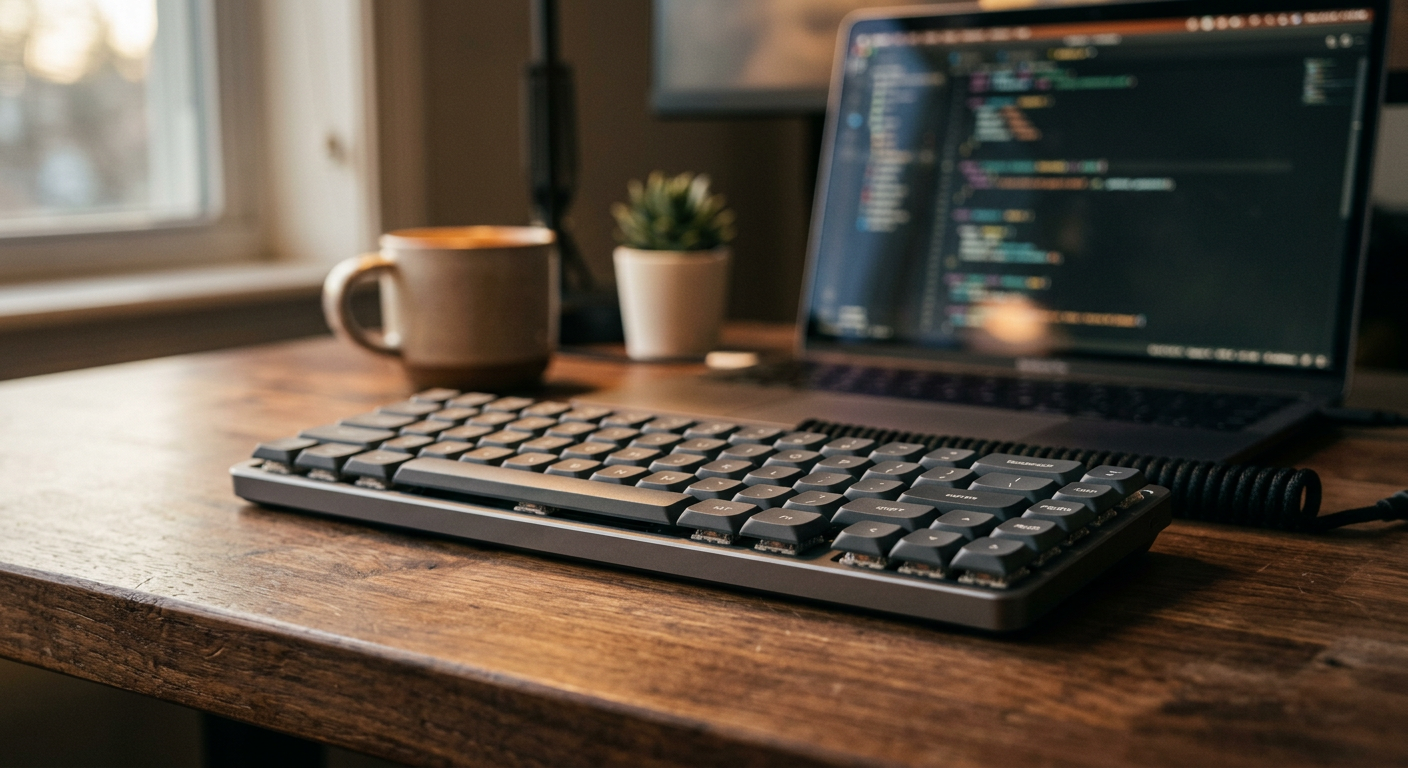
The Nuphy Air75 V2 is the best case for a low-profile mechanical keyboard in 2026. It sits closer to the desk surface, requires less wrist extension, and travels well without sacrificing the tactile feedback that makes mechanical switches worth using.
For laptop users who want to upgrade without adding significant height or weight to their setup, this is the most seamless transition available.
Best for: laptop users, frequent travelers, and ergonomics-conscious typists.
Logitech MX Mechanical Mini
The Logitech MX Mechanical Mini is the gateway option, the keyboard for people who are curious about mechanical switches but not ready to spend over $150 on a first purchase.
It uses Logitech's own low-profile tactile switches, connects wirelessly across three devices, and integrates cleanly with the broader MX ecosystem. It is not the deepest typing experience on this list, but it is the most practical starting point.
Best for: first-time mechanical keyboard users and people already in the Logitech ecosystem.
The switch question, settled
If you are buying your first mechanical keyboard and paralyzed by switch choice, here is the honest answer:
Most people prefer tactile switches for daily typing work. Brown switches, Gateron Browns specifically, which are slightly smoother than Cherry MX Browns, are the most forgiving entry point. They give enough feedback to feel purposeful without the sound level that disturbs coworkers or family members.
If you are working alone and want full satisfaction, try clicky Blues. If you want silence and speed above all else, go linear.
You will not know for certain until you try. Most keyboard vendors sell switch samplers for under $10. That is the most efficient $10 you can spend on this decision.
A note on keycaps
The keyboard that ships is not the keyboard you have to keep.
Keycaps are replaceable, and the aftermarket for them in 2026 is enormous. A set of blank grey PBT keycaps can transform any keyboard into something that looks deliberately minimal rather than consumer-generic. They also feel better, PBT plastic resists the oily shine that ABS keycaps develop within months of daily use.
If your keyboard supports hot-swap switches and standard keycap sizing, consider it a platform, not a finished product.
Keyboards at a glance
| Keyboard | Form Factor | Wireless | Best For | Price Range |
|---|---|---|---|---|
| Keychron Q5 Max | Full-size | Yes | Premium daily driver | $$$$ |
| Keychron K8 Pro | TKL | Yes | Multi-device work | $$$ |
| Leopold FC750R PD | TKL | No | Writers, minimalists | $$$ |
| Nuphy Air75 V2 | 75% | Yes | Travelers, laptop users | $$ |
| Logitech MX Mechanical Mini | 65% | Yes | First-time buyers | $$ |
Final thought
The keyboard is the one piece of hardware your hands touch every single minute of the workday. It deserves more thought than the chair you sit in, and most people spend more time choosing the chair.