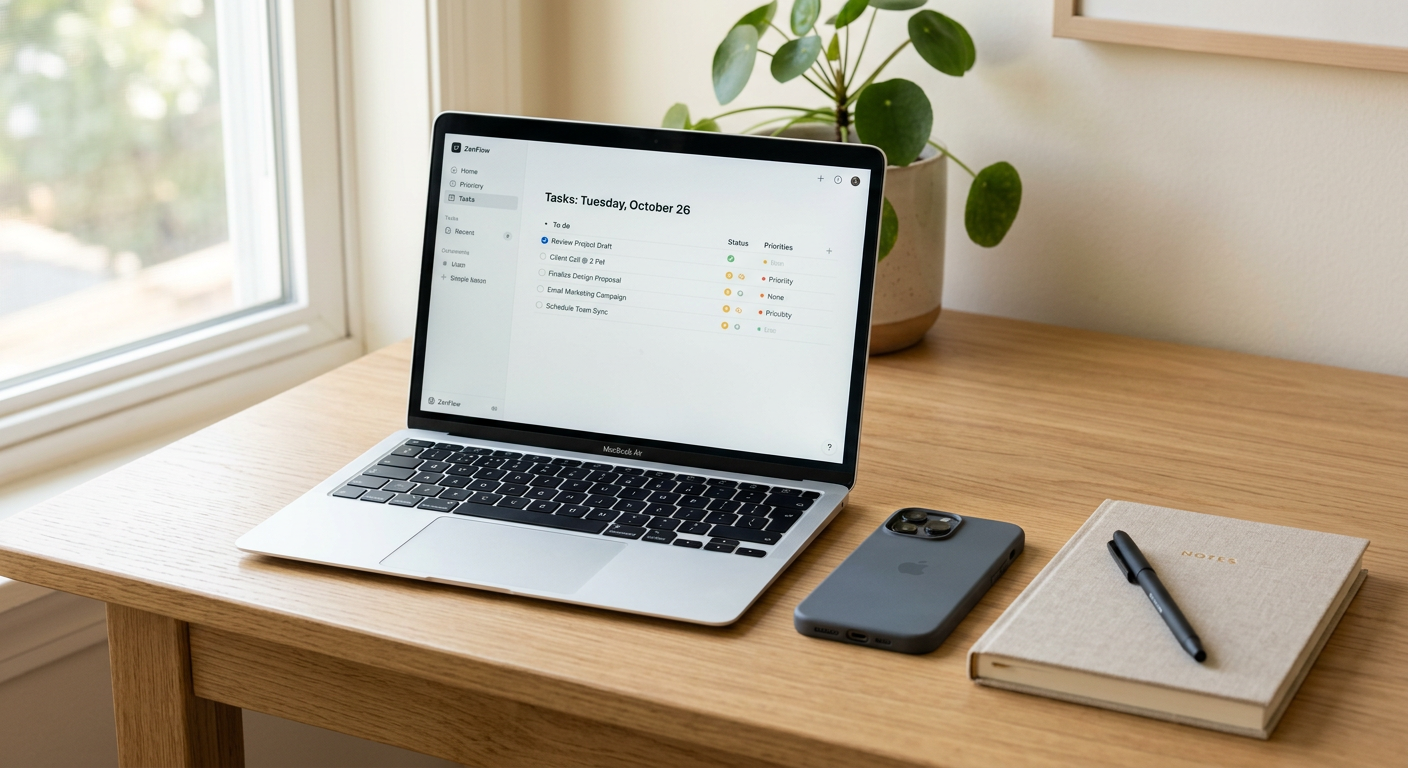
Focus is no longer just a mindset. It is an interface problem. The right app can remove friction, reduce switching, and keep your day from dissolving into tabs, notifications, and unfinished loops.
In 2026, the best productivity apps are not the ones with the most features. They are the ones that make your work feel lighter, quieter, and harder to interrupt.
Why focus apps matter now
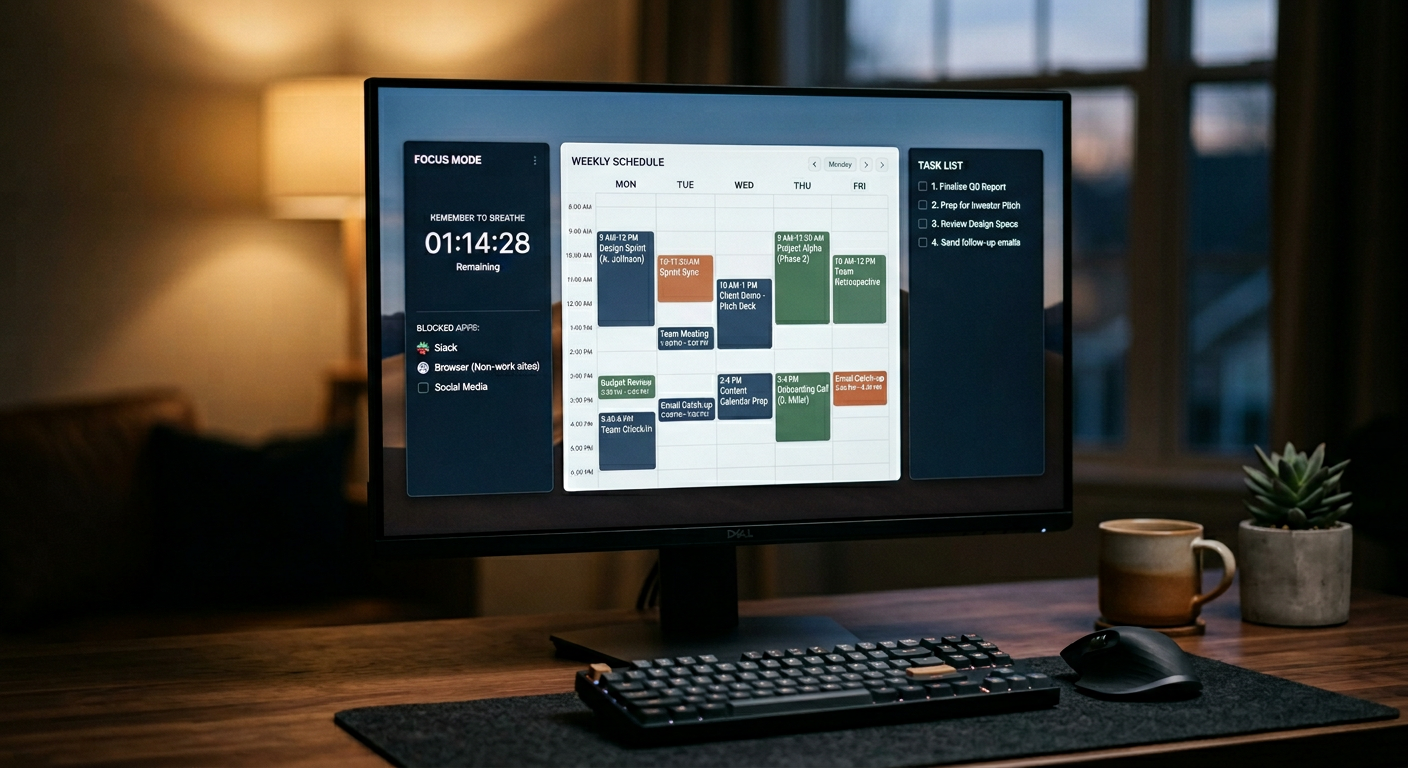
The modern workday is fragmented by default. Messages arrive constantly, calendars overfill, and attention gets pulled in six directions before lunch. That is why people are gravitating toward tools that either simplify planning or block distraction at the source.
The best apps in this category do one of three things well: they help you plan, they help you start, or they help you stay on task. The apps that perform best in 2026 tend to do all three without adding another layer of digital noise.
The apps worth using
Todoist
Todoist remains one of the most reliable task managers because it balances power with restraint. You can capture tasks quickly, organize them into projects, and keep the interface clean enough to avoid overthinking the system itself.
It works best for people who want a simple command center for the day. If your current system is a mix of notes, messages, and half-remembered reminders, Todoist is the kind of app that can restore order fast.
TickTick
TickTick is the better choice if you want a little more built in. It combines task management, calendar views, habit tracking, and a Pomodoro timer in one place, which makes it useful for people who want focus and structure without bouncing between apps.
It is especially strong for solo professionals and students who like a single app to handle planning and execution. The all-in-one approach is not for everyone, but for many users it removes enough friction to be worth it.
Freedom
Freedom is one of the clearest answers to the distraction problem. It blocks websites and apps across devices, which matters because modern distraction rarely stays on one screen.
This is the app for people who know exactly what derails them. Social media, news, email, YouTube, shopping, if it breaks your flow, Freedom can put it behind a wall long enough for you to do real work.
RescueTime
RescueTime is useful because it shows you what focus actually looks like in numbers. Instead of guessing how your day went, you get automatic tracking, app and website insights, and focus sessions that help you move from awareness to action.
It is a strong fit for people who want accountability without manual tracking. If you suspect your busy hours are not very productive, RescueTime makes that visible fast.
Notion
Notion still matters in 2026 because it can hold almost everything: notes, docs, databases, projects, and AI-assisted workflows. The downside is that it can become a system in itself, which is why it works best for users who enjoy building an organized workspace rather than just buying one.
Used well, Notion can replace a scattered mix of documents and tools. Used badly, it becomes another place to tinker instead of work.
Forest
Forest is one of the few focus apps that feels slightly human. It turns deep work sessions into a simple visual ritual, which gives your attention a shape and a beginning.
It is especially good for writers, students, and anyone who responds well to a small psychological nudge. The appeal is not complexity. It is simplicity that makes starting easier.
Reclaim
Reclaim is the right app for people whose calendar keeps defeating their intentions. It uses scheduling logic to protect time blocks, manage routines, and reduce the chaos of manual calendar management.
For busy professionals, this is where productivity shifts from willpower to automation. It is less about doing more and more about making sure important work actually gets space.
How to choose
The best productivity app is the one that solves your biggest bottleneck. If you forget tasks, start with Todoist. If you overbook your day, use Reclaim. If you get distracted, use Freedom. If you want a full system, try TickTick or Notion.
Most people do not need more than two or three core apps. A task manager, a blocker, and a calendar system are usually enough. More than that, and the tools start competing with the work.
A practical setup
A strong 2026 focus stack can look like this:
- Todoist for tasks.
- Google Calendar or Reclaim for scheduling.
- Freedom for distraction blocking.
- RescueTime for awareness.
- Forest for deep work sessions.
This combination works because each app has a job. One captures. One schedules. One protects. One measures. One helps you begin.
Final thought
The best productivity app is not the one that makes you look organized. It is the one that makes it easier to stay with the task long enough to finish it.