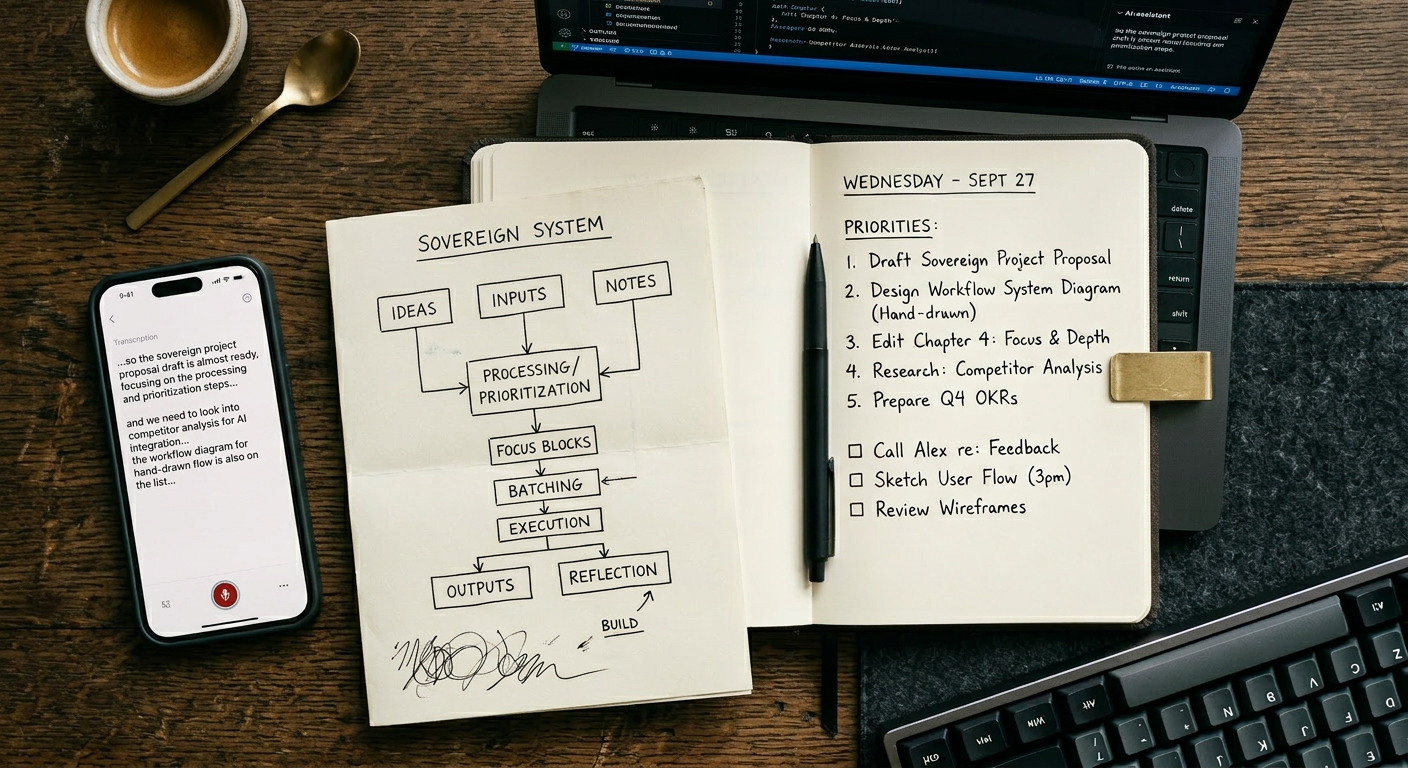
Most AI tools do not save time. They redistribute it.
You spend twenty minutes crafting the perfect prompt, get output that is seventy percent right, spend another fifteen minutes editing, and end up with something you could have written yourself in thirty. The tool was not the problem. The expectation was.
The AI tools worth using in 2026 are the ones that handle specific, repeatable, low-judgment tasks and stay out of the way everywhere else.
The rule before the list
Before recommending anything, a principle worth keeping:
An AI tool earns its place in your workflow when it eliminates a task you were already doing, not when it adds a capability you will use twice. Every tool on this list passes that test. None of them require a new behavior. They replace an existing one with something faster.
Writing and editing: Notion AI
Notion AI works because it lives inside the tool where most writing already happens.
It drafts, summarizes, rewrites for tone, and translates, without a separate app, a new tab, or a context switch. For professionals who already use Notion for docs and project management, the integration cost is zero. The value shows up immediately in meeting notes, status updates, and first drafts that need to exist but do not need to be perfect.
It is not a replacement for original thinking. It is a replacement for blank-page paralysis and the twenty minutes of light editing that follows every rough draft.
Best for: knowledge workers, content teams, solo operators who live in Notion.
Meeting summaries: Otter.ai
Meetings are expensive. A one-hour call with three people costs three hours of combined working time, plus whatever everyone forgets by the following morning.
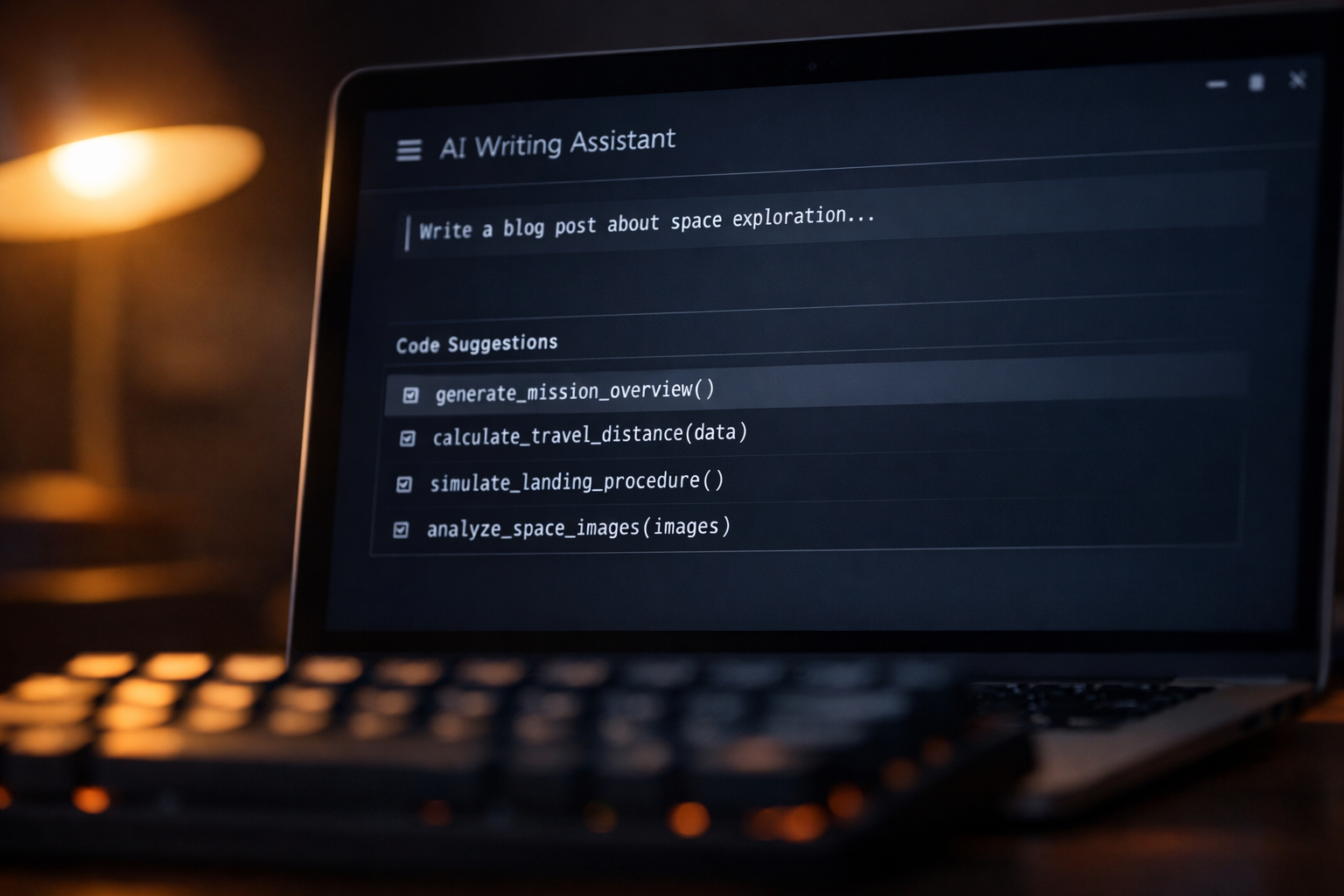
Otter.ai records, transcribes, and summarizes in real time. By the time the call ends, the notes are already written. Action items are extracted automatically. The summary can be shared before anyone has opened a follow-up email.
For anyone running client calls, team syncs, or discovery sessions, this eliminates one of the most tedious and error-prone parts of professional communication. You stop taking notes and start being present in the conversation.
Best for: consultants, account managers, team leads, anyone in back-to-back meetings.
Email management: Superhuman with AI
Email is the place where time goes to disappear.
Superhuman is the fastest email client available, and its AI layer adds triage intelligence on top of speed. It summarizes long threads, drafts context-aware replies, and prioritizes the inbox based on patterns it learns from your behavior. The result is an inbox that requires active attention for minutes rather than hours.
The onboarding is not instant and the price is higher than most email tools. For anyone whose inbox currently runs their day rather than serving it, the return is immediate.
Best for: founders, executives, sales professionals, anyone receiving over 100 emails per day.
Code assistance: GitHub Copilot
For developers, GitHub Copilot has moved from novelty to infrastructure.
It completes code in context, suggests functions based on comments, catches patterns that would take minutes to look up, and handles boilerplate that used to consume stretches of otherwise focused time. The productivity gain is not in dramatic leaps. It is in the accumulation of small frictions removed across an entire working day.
Copilot does not replace architectural decisions, debugging judgment, or domain knowledge. It handles the mechanical parts of writing code so that the thinking parts get more space.
Best for: developers, solo engineers, technical founders, anyone writing code daily.
Research and summarization: Perplexity
Reading everything relevant to a decision is not always possible. Knowing what exists, what the main positions are, and where to look next, that is achievable in minutes with the right tool.
Perplexity functions as a research assistant that cites its sources, which distinguishes it from language models that present confident information with no trail. For market research, competitor analysis, technical questions, and literature review, it compresses hours of reading into a structured starting point.
The output is a beginning, not a conclusion. The judgment still belongs to the person asking. But the time between question and informed starting point drops significantly.
Best for: researchers, strategists, content creators, entrepreneurs making decisions under uncertainty.
Transcription and voice notes: Whisper via local apps
Typing is slow. Thinking is fast.
Whisper, OpenAI's open-source transcription model, runs locally through apps like MacWhisper or Whisper Transcription on desktop. You record a voice note, and within seconds it becomes clean, editable text. No subscription, no cloud upload, no privacy concern about what you are saying and where it is being stored.
For capturing ideas during a walk, dictating a rough draft, or turning a ten-minute brain dump into structured text, this is one of the highest-value tools on this list per dollar spent, often zero.
Best for: writers, solo professionals, anyone who thinks faster than they type.
Image and design: Figma AI
For non-designers who need to produce professional-quality visuals, decks, mockups, landing page layouts, Figma AI in 2026 handles the heaviest lifting.
It generates layout suggestions, auto-populates content into design templates, and resizes assets across formats without manual adjustment. The output is not always final. It is always faster than starting from a blank canvas.
For small teams without a dedicated designer, this is the tool that makes professional-looking work accessible without a six-month learning curve.
Best for: product managers, founders, marketers, small teams moving fast without design resources.
The AI stack that works
| Tool | What it replaces | Time saved |
|---|---|---|
| Notion AI | Manual drafting and editing | 30-60 min/day |
| Otter.ai | Manual meeting notes | 20-40 min/meeting |
| Superhuman | Manual email triage | 45-90 min/day |
| GitHub Copilot | Boilerplate and lookup | 60-120 min/day |
| Perplexity | Manual research reading | 30-90 min/task |
| Whisper | Typing from memory | 15-30 min/session |
| Figma AI | Manual design work | 60-180 min/project |
What to ignore
For completeness: the AI tools that consistently underdeliver relative to their promise.
AI scheduling assistants that require manual correction more often than not. AI-generated social media content that sounds exactly like AI-generated social media content. AI customer service bots deployed on top of unclear processes that the bot cannot fix. And any tool that describes itself primarily as "powered by GPT-4" without explaining what specific problem it solves.
The category is not the product. The use case is.
Final thought
The best AI tool is the one that handles the task you were dreading, quietly, correctly, and without asking you to think about it again.